

Your Discord PFP says a lot about you before you type a single word. It sits next to your name in every server, every DM, and every friend list. A great discord pfp makes you memorable. A dull one gets lost in the noise. This guide walks through everything you need to know: the styles people love, where to find images, how to make your own, and how to update it in seconds.
Why Your Discord PFP Matters More Than You Think
People judge fast. On a platform packed with servers, threads, and constant scrolling, your avatar is often the only visual signal someone gets before deciding whether to read your message. It works like digital body language.
A discord pfp is not just decoration. It is a small piece of self-expression that shows up hundreds of times a day. Gamers use it to signal what they play. Anime fans use it to show their favorite series. Casual users pick something soft and simple. Meme lovers use it to get a laugh. Whatever direction you go, the image becomes part of how people recognize and remember you.
This is also why so many users rotate their avatar often. A fresh discord pfp can mark a new season, a new mood, or just a desire to feel different online for a while. There is no rule saying you need to keep the same one forever.
What Is a Discord PFP?
PFP stands for “profile picture.” A discord pfp is the small circular image displayed next to your username. Discord automatically crops every avatar into a circle, which means square images can lose important details at the edges if you are not careful.
Unlike some platforms, Discord shows your avatar at a fairly small size in chat, but a much larger version appears when someone clicks your profile card. That means your image needs to look good both zoomed out and zoomed in.
Types of Discord PFP Styles
There is no single “best” style, because it depends entirely on your personality and the vibe of your server. Below are the categories people search for most often.
Cool Discord PFP
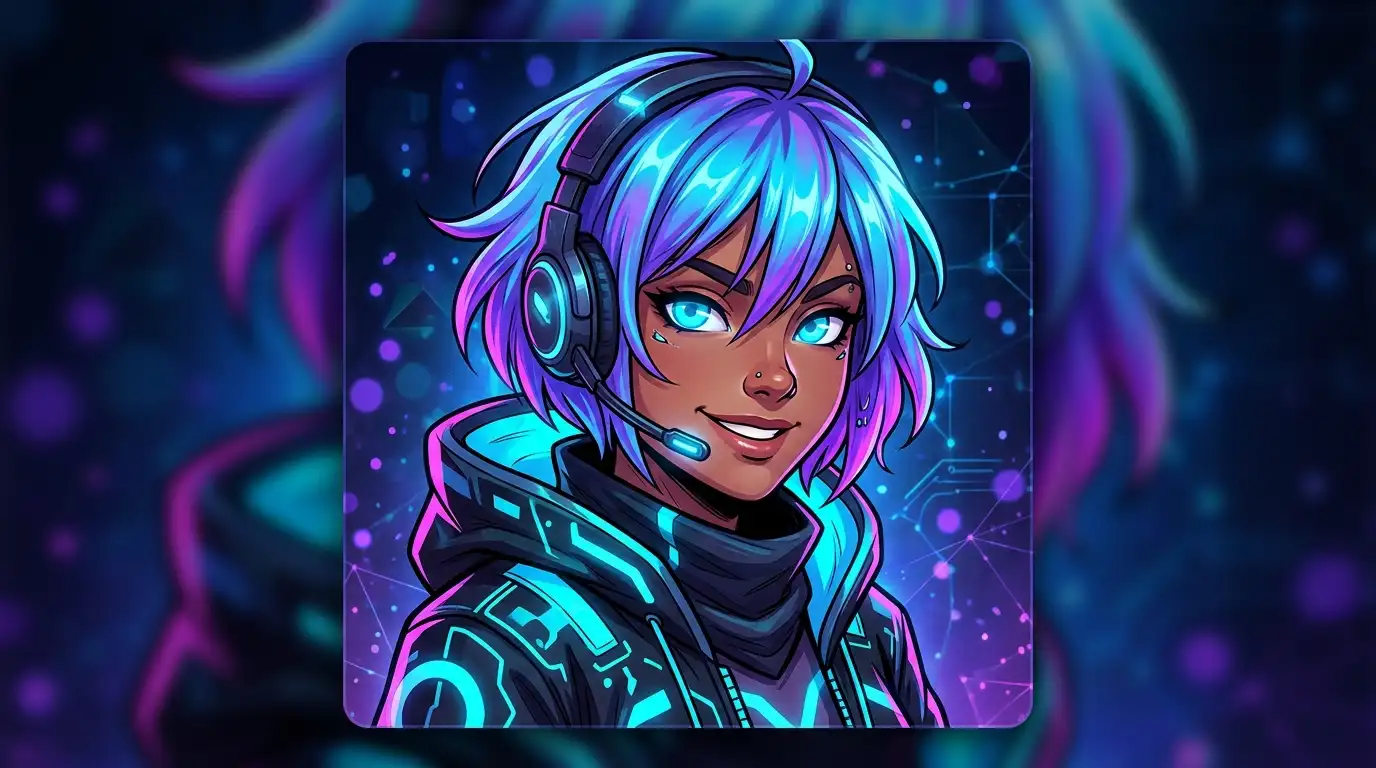
A cool discord pfp usually leans on bold colors, sharp lighting, or a striking character pose. Gamers and streamers often gravitate toward this look because it projects confidence. Dark backgrounds paired with a single bright focal point tend to perform best here, since the circular crop rewards simple, centered compositions.


Cat and Animal Themes
A discord pfp cat is one of the most requested styles on the internet, and for good reason. Cat avatars are cute, instantly recognizable, and never go out of style. Whether it is a cartoon cat, a realistic photo, or an anime-style feline character, this category appeals to almost every kind of user. If you want something that feels warm and approachable without trying too hard, a cat-themed avatar is a dependable choice.


Funny Discord PFP
Not everyone wants to look serious online. A funny discord pfp leans into memes, exaggerated facial expressions, or absurd characters. This style thrives in casual friend groups, meme servers, and gaming communities where humor is part of the culture. A good funny pfp often works because it is instantly understandable the joke lands the moment someone sees it, without needing extra context.


Color-Based Styles
Color alone can carry a huge amount of personality, even without any specific character or theme. A discord pfp pink avatar feels soft, playful, and usually ties into a broader pastel or “cute” aesthetic. On the opposite end, a discord black pfp gives off a moody, minimal, and slightly mysterious feel that many gamers and night-mode users prefer. For something bolder, a discord red pfp creates high contrast and grabs attention immediately in a crowded member list.
Color choice is also a quick way to build a consistent look across platforms. Many users match their discord pfp color scheme with their banner, their username color, and even their bio, creating a cohesive personal brand.


Default and Server PFPs
Some people never bother changing the discord default pfp that Discord assigns automatically when an account is created. There is nothing wrong with that, though it does make it harder to stand out. Others prefer a discord server pfp, meaning an image shared by every member of a specific community, often a mascot, logo, or in-joke image tied to that group. Server-wide avatars build a sense of belonging and make members instantly recognizable to each other inside that community.


Animated Options
If you have Discord Nitro, you unlock the ability to use a discord animated pfp. Instead of a static picture, this is a short looping video or GIF. A discord pfp gif adds subtle motion, which naturally draws the eye in a member list full of still images. Animated avatars are especially popular among streamers and content creators who want their profile to feel more alive and dynamic.
Where to Get Discord PFP Images
Once you know roughly what style you want, the next challenge is finding the actual image. There are a few common approaches people take.
Browsing free galleries. Many websites organize discord pfp collections by category, letting you scroll through cat, pink, funny, cool, and aesthetic options in one place without needing any design skills.
Using a discord pfp finder. This is useful when you have already seen a great avatar somewhere online but do not know where it originally came from, or when you want to search by a specific theme, character, or mood.
Browsing visual boards. Many people collect discord pfp inspiration on Pinterest-style boards before committing to a final choice, treating the process almost like building a small mood board.
Whatever route you choose, always aim for a good discord pfp that is high resolution. Discord compresses images somewhat, so a low-quality source image will look noticeably blurry once it is uploaded and displayed at scale.
Discord PFP Maker Tools
If you cannot find the perfect existing image, building your own is often the better path. A discord pfp maker lets you combine templates, filters, text overlays, and stickers to create something that no one else already has. Most of these tools run directly in your browser, so you do not need any prior design experience.
A simple workflow with a maker tool looks like this:
- Pick a base template, character, or upload your own photo.
- Apply a filter, background, or color overlay that matches the mood you want.
- Add text, emojis, borders, or effects for extra personality.
- Export the finished image and get discord pfp ready for upload.
This route is especially popular with people who want a fully original look rather than a picture that hundreds of other users might already be using. It also gives you full control over cropping, so the final circular version looks exactly the way you intended.
Discord PFP Downloader and Viewer Tools
Sometimes you want to view or save someone else’s avatar rather than create your own. This is where a discord pfp downloader becomes useful.
A discord pfp viewer lets you paste a username or user ID and instantly preview that person’s current avatar at full resolution, which is helpful since Discord normally only shows a small compressed version in chat.
A discord pfp downloader takes that a step further by saving the image directly to your device in its original, uncompressed quality.
A discord pfp grabber works similarly, often pulling both the avatar and the banner in a single action, which is convenient if you are collecting reference images or archiving your own profile history over time.
Some people also search for a discord pfp stealer, though the term is a bit misleading. Discord avatars are public by design once a user sets one, so downloading a publicly visible image is simply saving something that is already meant to be seen. These tools are commonly used for building personal inspiration folders or checking a higher-quality version of a friend’s current picture.
Discord PFP Size and Cropping
Discord enforces specific image requirements, and getting this wrong is one of the most common mistakes people make. Here is what actually matters for discord pfp size.
The recommended minimum is 128×128 pixels, although larger source images will always look sharper once displayed, especially on high-resolution monitors and phones. Discord automatically applies a circular crop to every avatar, so keeping your main subject centered is essential. Anything positioned too close to the corners of a square image risks being cut off entirely.
A discord pfp cropper tool solves this problem by showing you a live circular preview before you commit to uploading. This lets you nudge, zoom, or reposition the image until the composition looks balanced inside the circle rather than guessing and re-uploading multiple times.
How to Change Discord PFP
Changing your avatar takes less than a minute once you know where to look. Here is exactly how to change discord pfp, whether you are on desktop or mobile.
- Open Discord and click on your username or profile icon in the bottom corner of the app.
- Select Edit Profile from the settings menu that appears.
- Click directly on the current avatar circle to open the upload dialog.
- Choose your image file, adjust the crop preview if needed, and save your changes.
That’s the entire process. Once saved, your new discord pfp updates instantly across every server, every DM thread, and even old messages you have already sent, since Discord always displays your most current avatar regardless of when a message was posted.
Tips for Picking the Best Discord PFP
A few practical tips can help you land on the best discord pfp for your situation.
Match your personality. Whether your style leans cute, cool, or funny, the image should genuinely feel like an extension of who you are, not just a trend you copied.
Check the crop carefully. Since Discord always displays avatars as circles, avoid any image with important details tucked into the corners, since those areas get clipped away automatically.
Prioritize resolution. A crisp, sharp image will always outperform a stretched or pixelated one, especially once other members view your profile card at a larger size.
Think about context. A discord server pfp shared with your community can strengthen a sense of belonging, while a personal, individual avatar helps you stand out across every other server you are part of.
Refresh it occasionally. There is nothing wrong with using a good discord pfp for years, but many users find that swapping styles now and then keeps their profile feeling current rather than stale.
Common Mistakes to Avoid
Even with plenty of options available, a few mistakes show up again and again.
Using an image that is too small often leads to a blurry, low-quality result once it is displayed at full size on someone else’s screen. Ignoring the circular crop is another frequent issue, especially with images that have text or logos placed near the edges. Some users also pick an avatar purely because it is trending, without considering whether it actually fits their own personality or the tone of the servers they are active in. A discord pfp works best when it feels intentional rather than random.
Frequently Asked Questions
A discord pfp gif or animated avatar requires an active Discord Nitro subscription. Without it, uploaded images will always display as static pictures.
There is no fixed rule. Some users keep the same avatar for years, while others swap their discord pfp weekly to match their mood, a new game they are playing, or a seasonal theme.
This usually happens when the original image resolution is too low. Uploading a larger source file, ideally well above the 128×128 pixel minimum, generally solves the issue.
Yes, since avatars are public and visible to anyone who can see that user’s profile. A discord pfp downloader simply saves an image that is already publicly displayed.
Final Thoughts
Your discord pfp is a small detail with an outsized impact on how others perceive you the moment they open a chat. Whether you want a discord pfp cat for something soft and cute, a discord black pfp for a sleek and minimal look, or you would rather build something entirely original with a maker tool, there is an option suited to your style. Browse galleries for inspiration, try a maker tool for something unique, or use a downloader and viewer to save ideas you come across along the way. Updating your profile only takes a minute, and a fresh avatar remains one of the easiest ways to refresh your entire presence on Discord.

Noah Bennett is a writer and PFP enthusiast who explores funny profile pictures, memes, reaction images, cartoons, anime, and online trends. He enjoys finding profile pictures with personality and turning them into easy-to-browse collections for social media, gaming, and messaging apps. His goal is to help readers find a PFP that feels fun, unique, and truly matches their online personality.
